

Project Description
[fullwidth background_color=”” background_image=”” background_parallax=”none” enable_mobile=”no” parallax_speed=”0.3″ background_repeat=”no-repeat” background_position=”left top” video_url=”” video_aspect_ratio=”16:9″ video_webm=”” video_mp4=”” video_ogv=”” video_preview_image=”” overlay_color=”” overlay_opacity=”0.5″ video_mute=”yes” video_loop=”yes” fade=”no” border_size=”0px” border_color=”” border_style=”solid” padding_top=”0″ padding_bottom=”20″ padding_left=”0″ padding_right=”0″ hundred_percent=”no” equal_height_columns=”no” hide_on_mobile=”no” menu_anchor=”” class=”” id=””][separator style_type=”none” top_margin=”-45″ bottom_margin=”” sep_color=”” border_size=”” icon=”” icon_circle=”” icon_circle_color=”” width=”” alignment=”center” class=”” id=””]
See How Your Business Appears to Customers Online
Since consumers are searching top sites to find your business, it is mission critical to ensure they find you and that your information is correct.
The Visibility page of Merchant Centric shows how your business information appears on top sites.

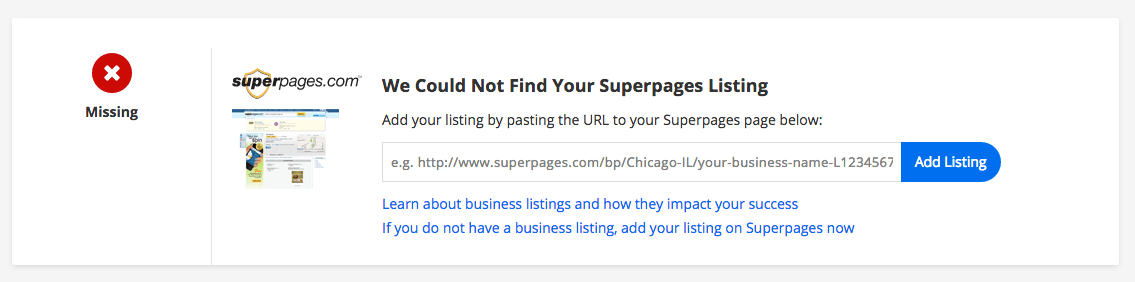
The first thing you want to check is whether your business has been found or if it is missing. If your business is missing, and you do have a listing on that site, you can add your listing. You simply enter the URL of your listing and select Add Listing.
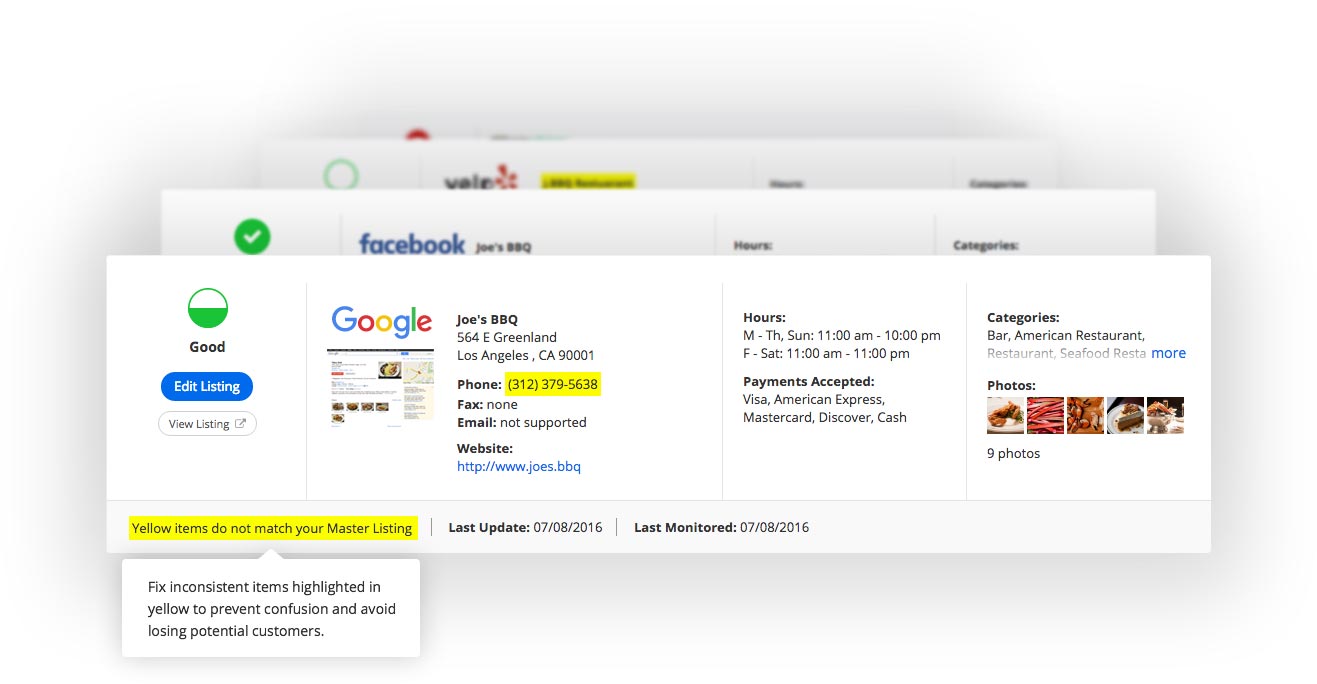
On each listing that is found, you want to make sure your business information is correct and consistent. To help you, inconsistencies will be highlighted in yellow so you know what needs to be edited.
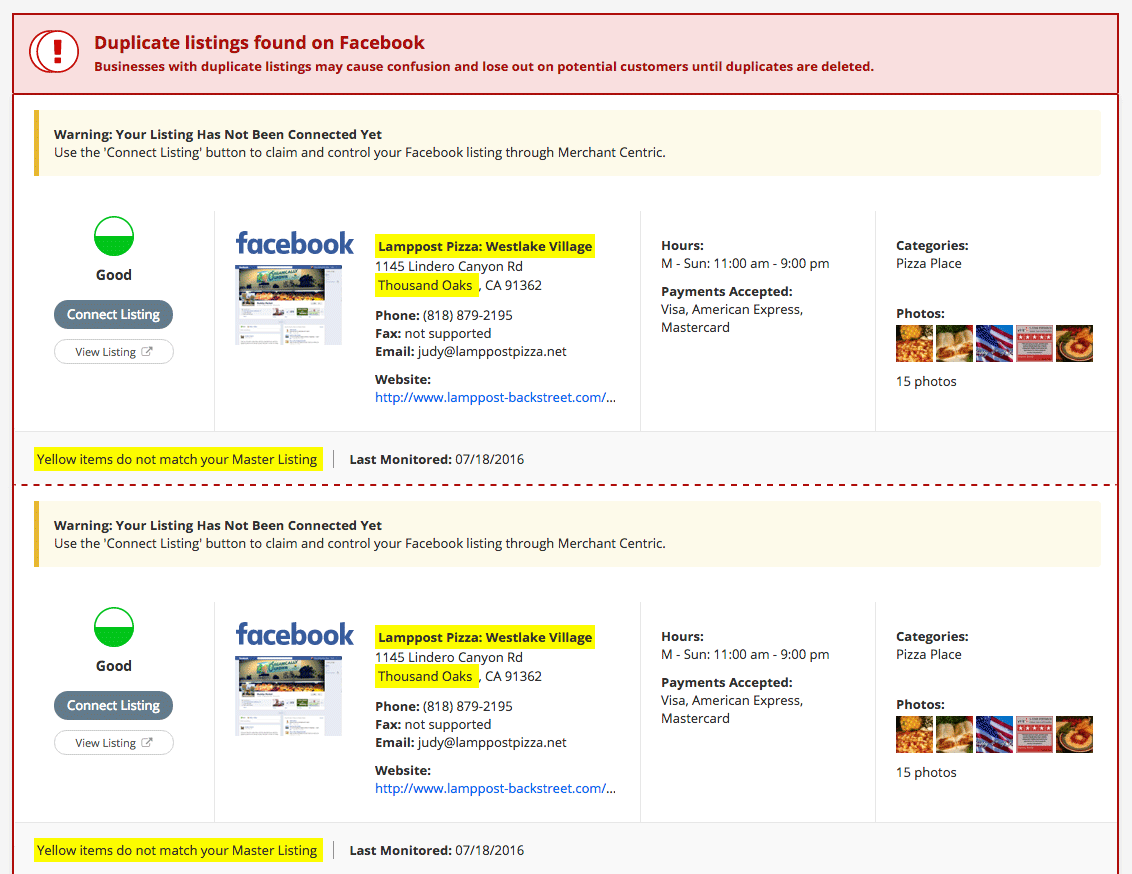
In some cases you may also see duplicate listings. Having duplicates is not a good thing because it can lead to confusion and cause your business to lose out on potential customers. It is important that you delete duplicates.
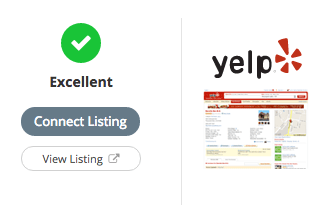
On all business listings that have been found, you will have the option, Connect Listing. It is important to connect your listings to prevent unauthorized changes to your information by others and keep it updated automatically. Learn more about connecting listings.
Once your business listings are connected, you will be able to edit all your listings in one place with your Merchant Centric Master Listing. You will also see how easy it is to turn on automatic updates, so all your listings are synchronized with the correct information you want customers and prospects to see. Learn more about your Master Listing.
One more thing you probably noticed are the filters at the top of your Visibility page.

This identifies what you are viewing on the page. At any time you can change the filter to see your listing in a different order… you can also select a competitor to view their business and see what they are saying to their customers on their listings.


