Project Description
[fullwidth background_color=”” background_image=”” background_parallax=”none” enable_mobile=”no” parallax_speed=”0.3″ background_repeat=”no-repeat” background_position=”left top” video_url=”” video_aspect_ratio=”16:9″ video_webm=”” video_mp4=”” video_ogv=”” video_preview_image=”” overlay_color=”” overlay_opacity=”0.5″ video_mute=”yes” video_loop=”yes” fade=”no” border_size=”0px” border_color=”” border_style=”solid” padding_top=”0″ padding_bottom=”20″ padding_left=”0″ padding_right=”0″ hundred_percent=”no” equal_height_columns=”no” hide_on_mobile=”no” menu_anchor=”” class=”” id=””][separator style_type=”none” top_margin=”-45″ bottom_margin=”” sep_color=”” border_size=”” icon=”” icon_circle=”” icon_circle_color=”” width=”” alignment=”center” class=”” id=””]
How to Leverage the Value of Positive Reviews
With new surveys coming out every day indicating that consumers check reviews before using or visiting a business, it is clear that a positive review can make the difference between customers choosing you over a competitor. Managing your reviews and overall online reputation is more important than ever. Taking advantage of your positive reviews is a crucial part of managing your online reputation. After all, if you work hard enough to provide goods and services that motivate a consumer to write a positive review for your business, you should leverage those reviews to better enjoy the fruits of your labor.
Getting the most out of positive reviews is easy with Merchant Centric. The process is to “reply” and “repost.” Your reply will be posted on the review, which brings more attention to the reviews you want prospects and customers to read. It also gives consumers an idea of the type of business owner they are considering to patronize. People like to deal with other people they like and expressing gratitude for a complimentary review can show prospective customers what a gracious business owner you are.
After you post your thank-you reply, we recommend reposting the review along with your reply on social media (like your facebook page) and in some cases even within emails you send to customers and your advertisements and promotions. This allows you to share the positive things being said about your business with more people and remind your current customers why they like you so they come back more often.
Here are easy steps for replying and posting your positive review
First go to the Reviews page in your Merchant Centric account.

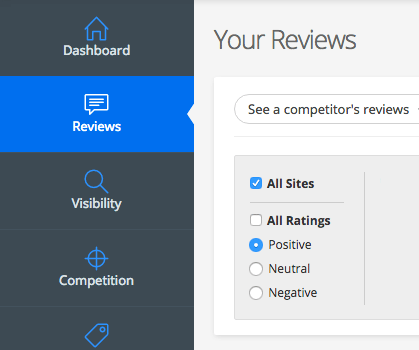
Then use the Positive rating filter to find the positive review you want to leverage.
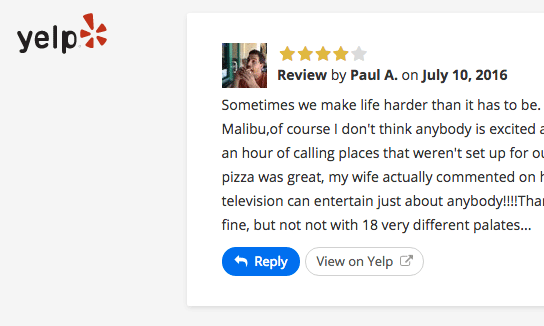
Once you find the review, click on the Reply button.

Write your personalized thank-you reply or Select from Reply Library to find a reply that suits the review.
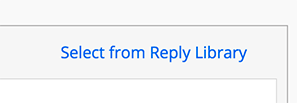
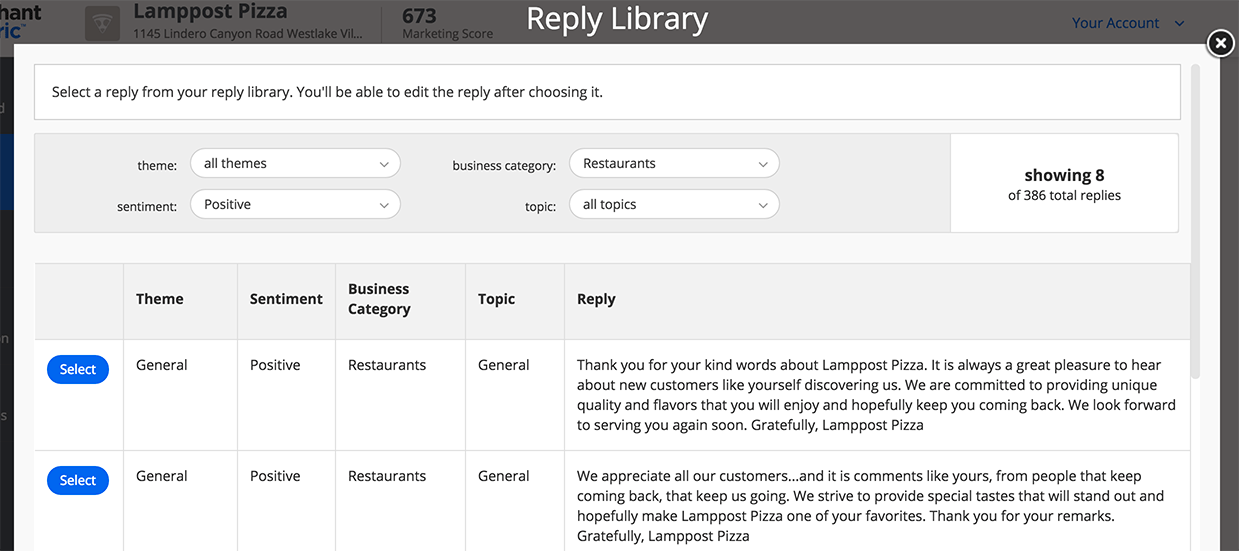
After you Select the reply you like in the Reply Library, you can edit the reply to make it more specific to the comments within the review and to better convey your personality and that of your business.
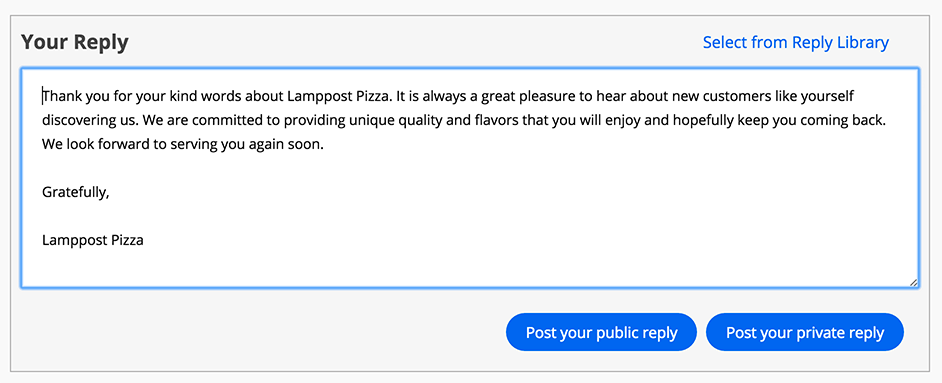
Since this is a positive review, we recommend that you select Post your public reply on Yelp. All other sites only allow public replies.

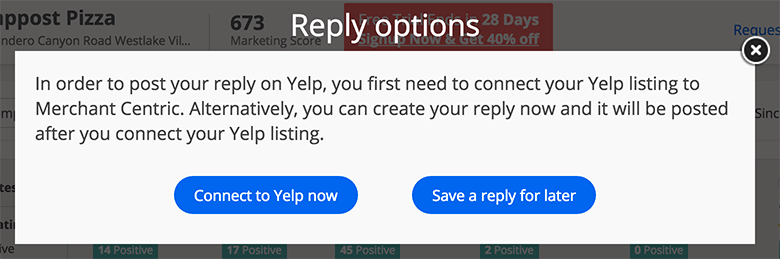
If you have not already used Merchant Centric to connect to the site where the review appears, you will be prompted to connect to the site in order for your reply to be posted. Note that once you control a site you won’t need to do it again when you post future replies on that site.