

Project Description
[fullwidth background_color=”” background_image=”” background_parallax=”none” enable_mobile=”no” parallax_speed=”0.3″ background_repeat=”no-repeat” background_position=”left top” video_url=”” video_aspect_ratio=”16:9″ video_webm=”” video_mp4=”” video_ogv=”” video_preview_image=”” overlay_color=”” overlay_opacity=”0.5″ video_mute=”yes” video_loop=”yes” fade=”no” border_size=”0px” border_color=”” border_style=”solid” padding_top=”0″ padding_bottom=”20″ padding_left=”0″ padding_right=”0″ hundred_percent=”no” equal_height_columns=”no” hide_on_mobile=”no” menu_anchor=”” class=”” id=””][separator style_type=”none” top_margin=”-45″ bottom_margin=”” sep_color=”” border_size=”” icon=”” icon_circle=”” icon_circle_color=”” width=”” alignment=”center” class=”” id=””]
Learn How to Pick Your Competitors
Picking and tracking competitors is easy to do with Merchant Centric. To get started, go to the Competition page.
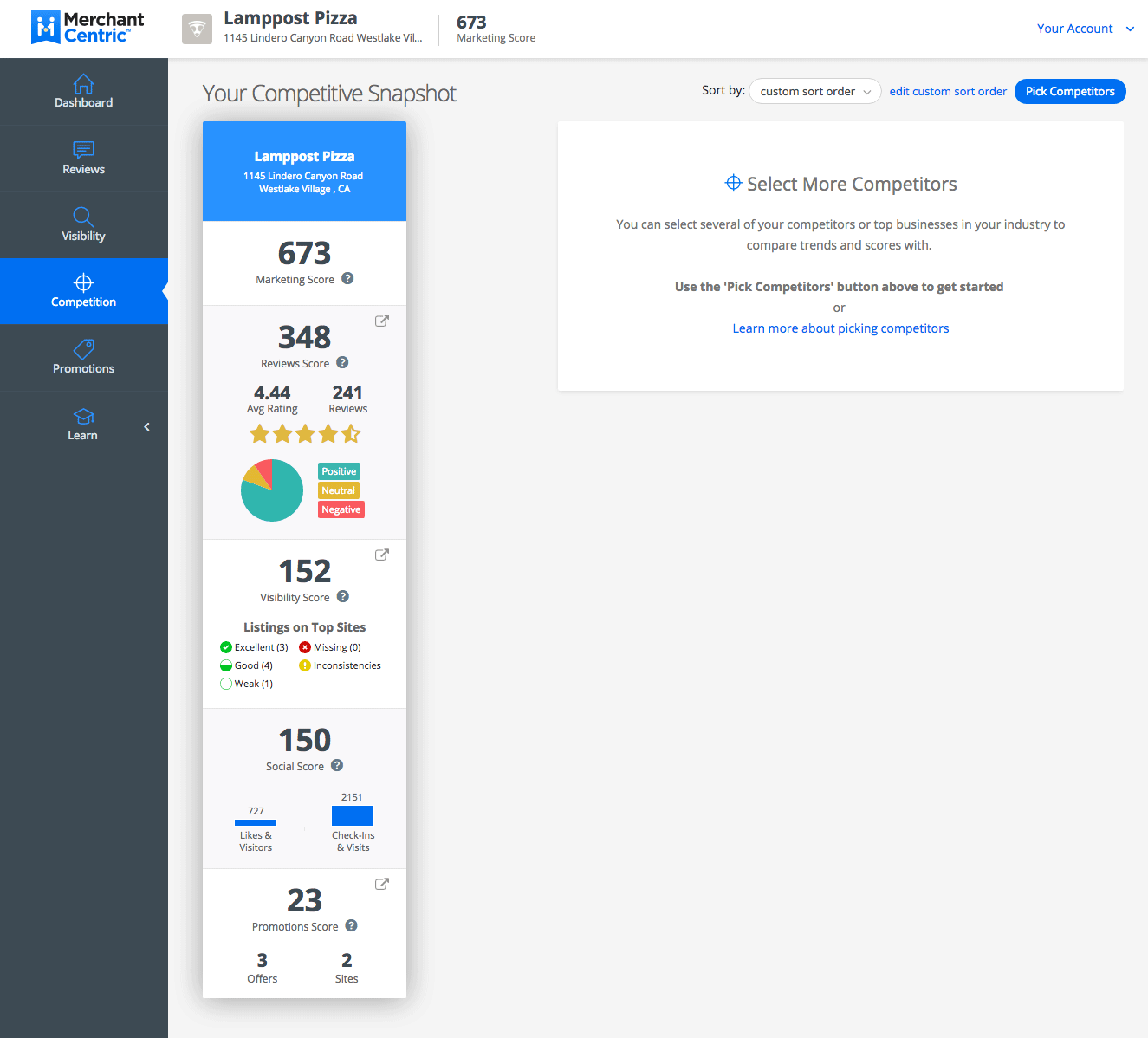
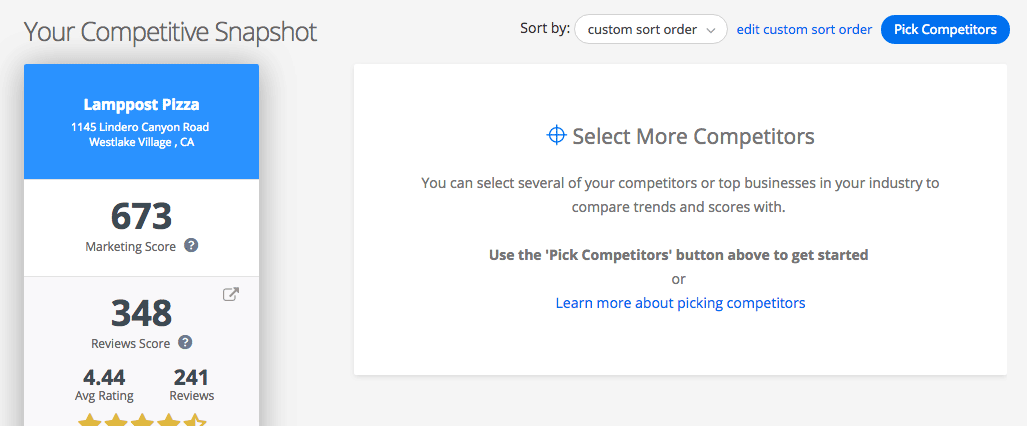
Now select the Pick Competitors button in the top right-hand section of the Competition page.
Next you will see a map with red markers on the left and a list of corresponding businesses on the right. The businesses displayed are those found in your category, closest to your business.

Your business is displayed on the map as a green marker.

To select a competitor that Merchant Centric will track for you, use the pick competitor link in the list…

Or you can use the map. Click on any business’ red marker to pop-up their details and select the pick competitor link.
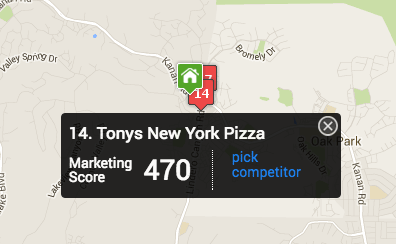
After you have picked a competitor their marker will turn blue. You have the flexibility to remove them at any time by using the unpick link on the pop-over or in the list of businesses on the right.

If you have too many businesses displayed on your map, you can click-and-drag or scroll to zoom the map in and out. If you want to see a specific group of businesses, use the filter bar to narrow the selection of businesses displayed. Use the categories dropdown or Search business name with city & state. Once you make your selections use the Update Map button to refresh the list and map.

Once you have your targeted list, you can sort the businesses by clicking on any of the titles at the top of the respective column.

Continue picking competitors and when you are finished, click the close (X) icon in the top right.
You will be returned to the Competition page of Merchant Centric and it will display a snapshot of how your business compares to your selected competitors.


