Project Description
[fullwidth background_color=”” background_image=”” background_parallax=”none” enable_mobile=”no” parallax_speed=”0.3″ background_repeat=”no-repeat” background_position=”left top” video_url=”” video_aspect_ratio=”16:9″ video_webm=”” video_mp4=”” video_ogv=”” video_preview_image=”” overlay_color=”” overlay_opacity=”0.5″ video_mute=”yes” video_loop=”yes” fade=”no” border_size=”0px” border_color=”” border_style=”solid” padding_top=”0″ padding_bottom=”20″ padding_left=”0″ padding_right=”0″ hundred_percent=”no” equal_height_columns=”no” hide_on_mobile=”no” menu_anchor=”” class=”” id=””][separator style_type=”none” top_margin=”-45″ bottom_margin=”” sep_color=”” border_size=”” icon=”” icon_circle=”” icon_circle_color=”” width=”” alignment=”center” class=”” id=””]
Getting Around Merchant Centric
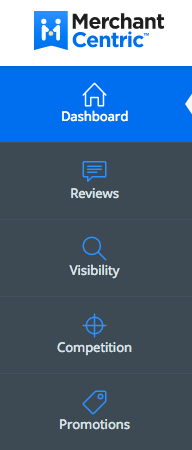
Welcome and congratulations on choosing to take control of your business’ online marketing. With all the new online marketing options available, it can be confusing as to what you should do… so Merchant Centric has organized everything into main categories that you can access using the left navigation of the platform.
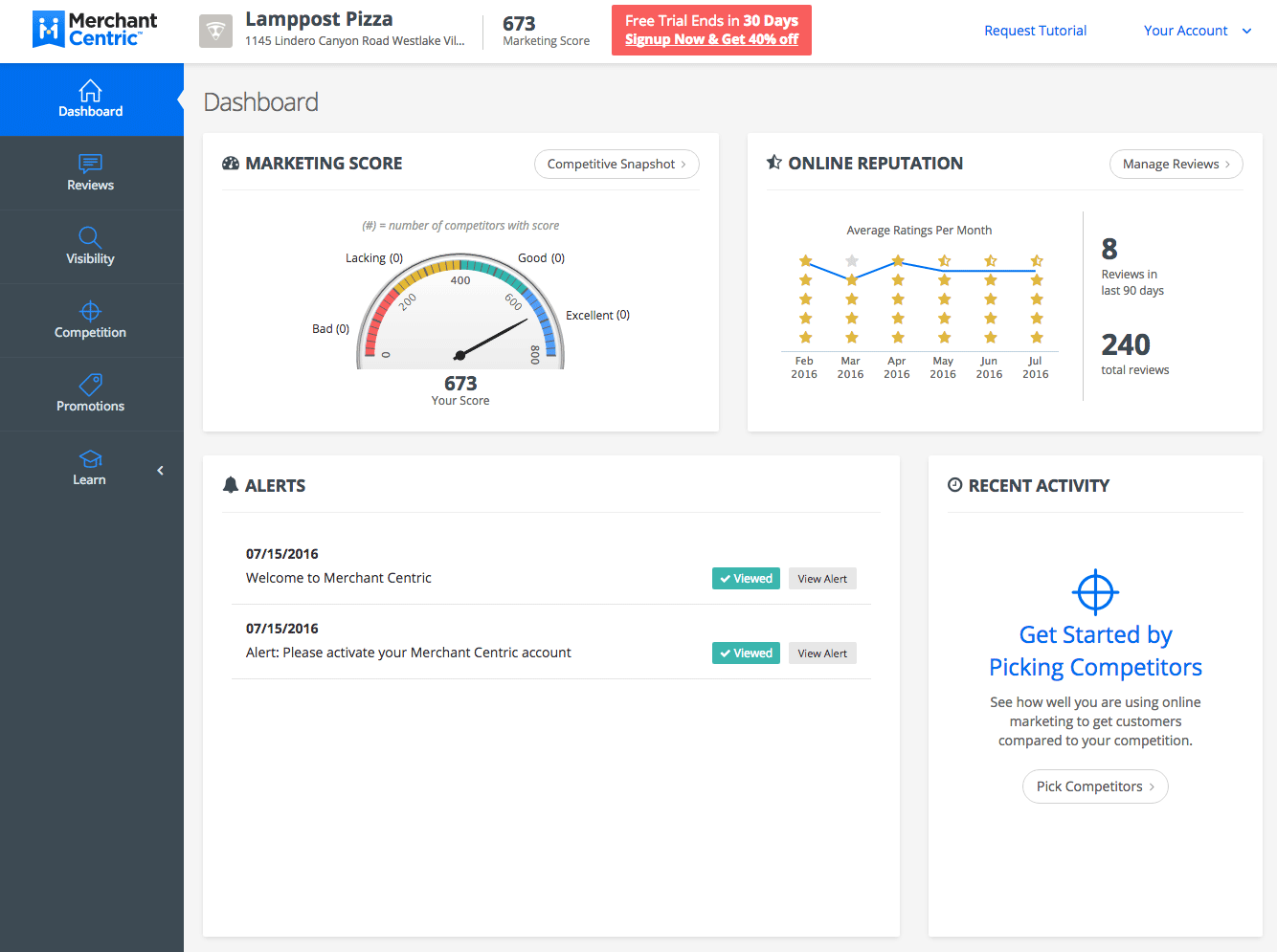
The main categories are: Dashboard, Reviews, Visibility, Competition, and Promotions.
The Learn menu item will take you out of the platform into the Knowledge Base (where you are now) or the Online Marketing Blog.

Aside from the left navigation, you can also drill down into these pages directly from your Dashboard by clicking on the white buttons, like this one:
Also notice that you can easily access any Alert that has been emailed to you from Merchant Centric, by selecting the View Alert button.

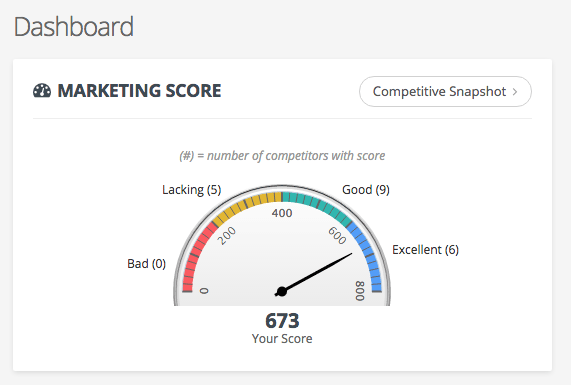
As you make progress using Merchant Centric to attract more customers, you will notice an improvement over time in your Merchant Centric Marketing Score. You can find your Marketing Score at the top of every page.

Your Merchant Centric Marketing Score measures how well your business uses top sites (Visibility), online services (Social), as well as, online reputation of your business (Reviews) and other features like online promotions (Promotions) to attract customers.
This score is useful so you can track and measure your progress as well as compare your business with other local competitors. For your dashboard, you get a summary of how you are doing, but for a deeper look, you can use the Competitive Snapshot button to see the breakdown of what makes up your scores and your competitors scores.
If you have not picked competitors yet, that is the first thing you want to do.
Learn which competitors to pick.